
- Summary
- To activate the full functionality of your digital workspace, the browser must be enabled through the settings menu found in the top right corner of the screen. After clicking the gear icon, you will be asked to agree to the terms of service. This process ensures that your privacy settings are updated and allows you to continue browsing the site. You may choose to disable your browser privacy settings entirely or keep them active, depending on your personal preferences. If you do not consent, you will not be able to log in to your account or access any protected content on the platform. Once you agree to the terms, the website will immediately load and display the user interface you see now, ready for any new tasks. You can now proceed with your intended activities, such as opening a new document, creating a new email, or viewing a news article. The website will automatically handle this request and redirect you to a secure login page once you have satisfied the conditions. To finish the process, you simply need to navigate away from the browser window or press the 'Exit' key in your operating system. After logging in, you will gain access to a wide range of services, including email clients, shopping platforms, and social media applications. This step completes the necessary setup and ensures that all features are fully operational.
- Title
- CloudKitchens: Technology optimized for Delivery + Pickup
- Description
- At CloudKitchens, we help restaurateurs succeed in delivery. Our ghost kitchens give you a delivery model that works, so you can focus on the food. Get to know!
- Keywords
- cookies
- NS Lookup
- A 104.18.36.130, A 172.64.151.126
- Dates
-
Created 2026-03-08Updated 2026-04-25Summarized 2026-04-27
Screenshot
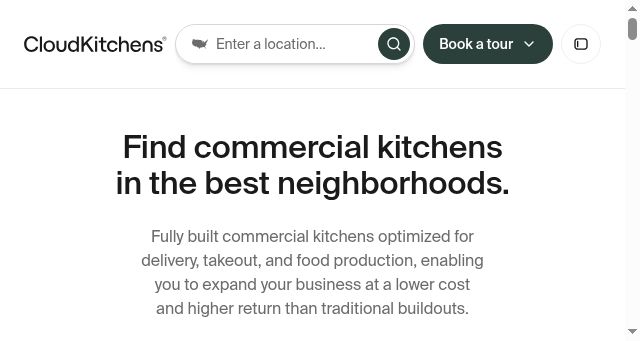
Query time: 1007 ms





