- Summary
- To resolve a website hosting on Cloudflare to a different IP address, your site owner needs to access the Cloudflare dashboard and modify the DNS A record settings for that specific domain. This is a standard process required by cloud providers to prevent traffic from reaching internal servers and to ensure security. By editing the configuration files directly within the Cloudflare interface, you can dynamically update the target IP addresses. This approach allows the traffic to connect to a new external endpoint instead of the current internal server. It ensures the webpage loads correctly from the new address without needing to manually change hostnames or IP configurations for each individual server.
- Title
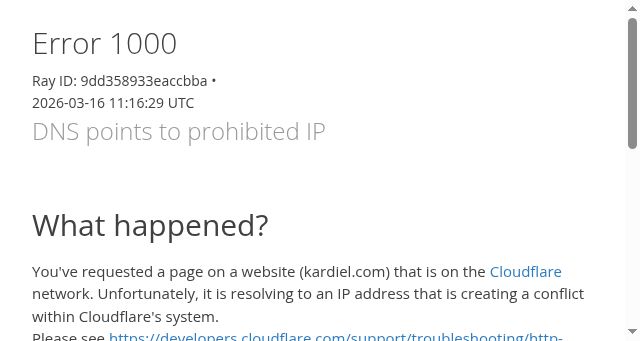
- DNS points to prohibited IP | kardiel.com | Cloudflare
- Description
- DNS points to prohibited IP | kardiel.com | Cloudflare
- Keywords
- 1000, page, website, address, cookies, error, points, network, resolving, conflict, system, https, status, more, details, owner, change
- Categories
- NS Lookup
- A 172.67.73.73, A 104.26.3.240, A 104.26.2.240
- Dates
-
Created 2026-03-08Updated 2026-04-15Summarized 2026-04-15
Screenshot
Query time: 677 ms