
- Summary
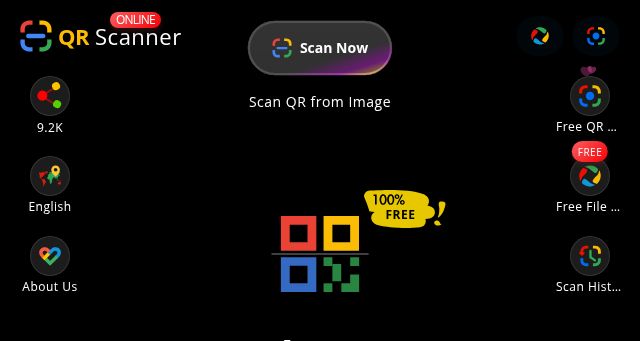
- This website provides instructions on how to scan QR codes on both iOS and Android devices using an online QR code scanner, specifically the Online-QR-Scanner.com tool.
Methods:
1. Real-Time Camera Scanning: This method requires an iPhone connected to the internet and with camera permissions granted. Users visit the website, click the "Scan" button, and aim their iPhone camera at the QR code, ensuring sufficient lighting and a clear view. The website automatically detects and processes the QR code, displaying its content.
2. Screenshot Upload: This method is suitable for scanning QR codes on low-brightness screens or computer monitors. Users take a screenshot of the QR code, upload the screenshot to the online scanner, and the website automatically recognizes and processes the content. It supports multiple image formats.
3. Quick Scan Across Devices: This method allows scanning a QR code on one device (e.g., Phone B) using another device (e.g., Phone A). Device B generates a temporary scan link, which Device A accesses, directly activating its camera to scan the QR code displayed on Device B.
The website also provides general instructions on how to scan QR codes with Android online QR code scanners and how to scan a QR code on the screen using the same tool. - Title
- QR Code Scanner Online: Best Free QR Scanner & Reader
- Description
- The fastest QR code scanner and online qr scanner. Scan QR code from image, screenshot, or camera. 100% private batch QR reader with Excel export.
- Keywords
- code, scan, scanner, image, tool, scanning, free, camera, codes, browser, mobile, recognition, google, export, phone, file, click
- NS Lookup
- A 172.67.172.11, A 104.21.63.216
- Dates
-
Created 2026-02-16Updated 2026-02-16Summarized 2026-03-02
Screenshot
Query time: 2025 ms




