
- Summary
- This guide explains how to register a WordPress website using your WordPress.com account. If you wish to register a website on WordPress.com, you must first provide a domain address. You can use a free domain like gotham.com, or purchase one from GoDaddy. After logging into your WordPress.com account, you will see a button labeled "Log in to WordPress.com" which leads to the registration portal. Navigate to your profile page on the main website, scroll down to the "Settings" section at the top of the post editor, then look at the bottom to find the "Add new" link, followed by "Log in to WordPress.com". Select your domain, enter a password, confirm it, and finally complete the registration process. This ensures that your domain is properly secured for the new website.
- Title
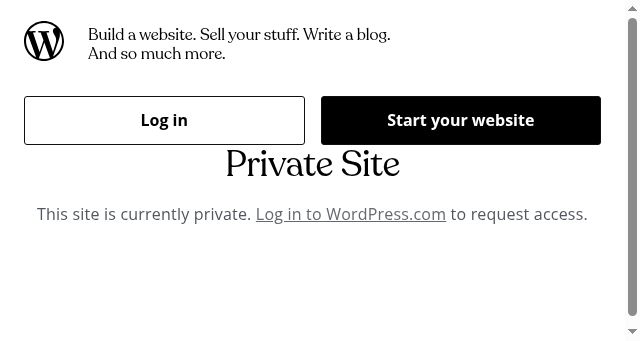
- Private Site
- Description
- Private Site
- Keywords
- website, private, site, build, sell, stuff, blog, much, more, start, request, access
- NS Lookup
- A 192.0.78.24, A 192.0.78.25
- Dates
-
Created 2026-03-14Updated 2026-04-14Summarized 2026-04-16
Screenshot
Query time: 349 ms





