
- Summary
- You can configure a 3D pie chart in just a few steps, but you should split the configuration process carefully. First, navigate to the chart settings to select the title color, which acts as your main label text for the chart. Then, adjust the legend to place it on the right or bottom of the screen so that your data labels are visible without cluttering the interface. After setting the title and legend, begin editing the data input fields to separate the labels and values with commas, ensuring the individual values are entered separately so each segment displays clearly. Finally, open the hole adjustment to change the size of the background hole, then verify the slice percentages in the pie tool to ensure accurate data representation.
- Title
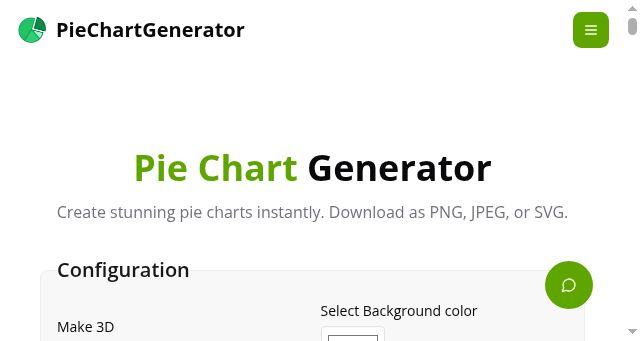
- PieChartGenerator | Free Online Pie Chart Generator & Maker
- Description
- Create beautiful pie charts instantly with PieChartGenerator - free online pie chart maker. Customize colors, labels, legends, download as PNG/JPEG/SVG.
- Keywords
- chart, generator, charts, free, colors, data, legend, labels, professional, high, quality, values, maker, images, title, slice, coding
- NS Lookup
- A 104.21.93.135, A 172.67.210.49
- Dates
-
Created 2026-03-08Updated 2026-04-15Summarized 2026-04-16
Screenshot
Query time: 1331 ms






