
- Summary
- The Element Exclusion feature allows users to hide specific elements within the extension popup window on the main page, effectively preventing the capture of unwanted UI components. By utilizing this functionality, developers can simplify configuration by selecting only the essential features required to capture the screen and save the file without manually disabling every element on the page. This method streamlines the setup process, ensuring that only the critical elements are captured while remaining hidden from the main interface. The feature is designed to minimize manual configuration steps and enhance user experience by allowing the capture of only the necessary visual content, making it a powerful tool for reducing setup complexity and improving efficiency.
- Title
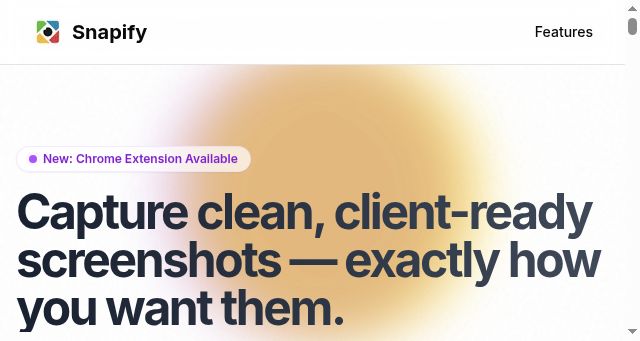
- Snapify — Clean, Client-Ready Screenshots for Designers
- Description
- Capture polished screenshots without UI clutter. Snapify gives designers precise control for client-ready visuals.
- Keywords
- capture, alternative, extension, designers, save, chrome, ready, click, pages, data, client, browser, clutter, product, cleanup, step, perfect
- NS Lookup
- A 104.21.61.74, A 172.67.207.94
- Dates
-
Created 2026-03-09Updated 2026-04-15Summarized 2026-04-15
Screenshot
Query time: 1100 ms







